


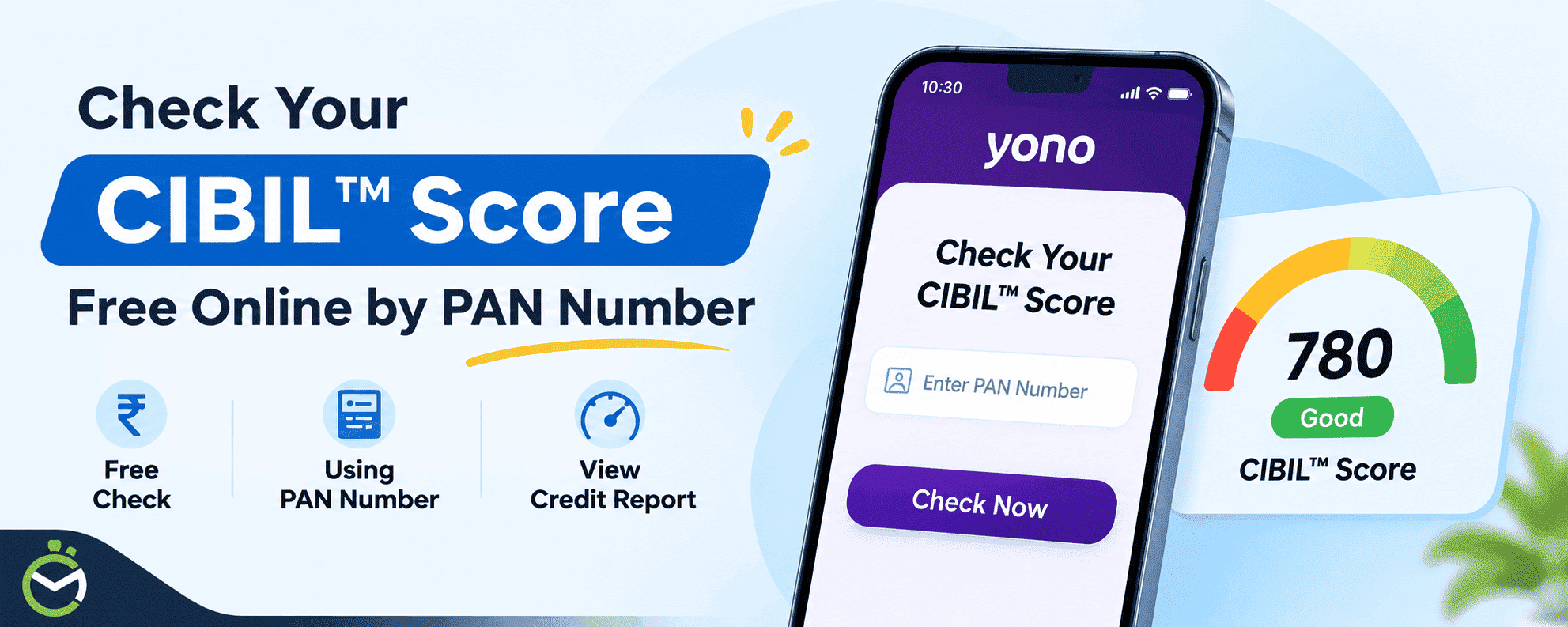
Checking your CIBIL Score online is convenient through platforms such as the YONO SBI app and SBI General Insurance website. SBI customers can view their CIBIL Score through the YONO SBI app. Those who do not have an SBI bank account can also explore the credit score checking facility on the SBI General Insurance website, subject to its availability.
If you want to check your SBI CIBIL Score online for free using your PAN number, this guide explains the different methods and the steps involved. You can also explore other options, including the official CIBIL website and Google Pay, to access your credit information and better understand your credit history.
How to Check CIBIL Score Using the SBI YONO App?
SBI account holders can view their credit score and report using the YONO SBI app. Follow the steps below:
- Open the Play Store or App Store and make sure YONO SBI is on its latest version.
- Log in to the app using your MPIN, biometric authentication or credentials.
- Look for the CIBIL Score banner or tile on the home screen, or search for “CIBIL” in the app’s search bar or menu.
- Verify your identity: You may be asked to confirm your details, such as your name, PAN, mobile number and consent, so the bureau can match your profile. Make sure they match your official records.
- Enter the one-time password sent to your registered mobile number to authorise the request.
- Your three-digit CIBIL score will appear on the screen, along with your credit report. The report shows your loans, credit cards, payment history and recent enquiries.
You can also use the app's credit report analysis and CIBIL Score Simulator features. The analysis points out what is helping or hurting your score, and the simulator estimates how actions like clearing dues or reducing card usage could change it.
How to Check CIBIL Score Free Online Through SBI General Insurance?
Follow these steps to check your CIBIL Score online through the SBI General Insurance website:
- Visit the official SBI General Insurance website.
- Go to the section that allows you to check your credit score.
- Enter your first and last name, contact number and email address in the required fields.
- Provide your PAN number in the required field.
- Review the details and click on the 'Check Your Credit Score' button.
- An OTP will be sent to your registered mobile number.
- Enter the OTP to complete the verification process.
- Once verified, follow the on-screen instructions to view your available credit score and related details.
Note: Ensure that your personal details and PAN information are accurate to avoid verification issues. Confirm that the facility is currently available before publishing these steps.
What Information Does Your SBI CIBIL Credit Report Show?
Your CIBIL Score summarises your creditworthiness, while the credit report gives you a complete picture of your borrowing and repayment history.
Your YONO SBI credit report contains several important details worth checking, including:
| Credit report information | What it tells you |
| Personal information | Your name and other identity details associated with your credit profile |
| Credit accounts | Loans and credit cards reported by lenders |
| Payment history | Whether you have paid your EMIs and credit card bills on time |
| Outstanding balances | The current balances reported for your credit accounts |
| Credit utilisation | How much of your available credit limit you are using |
| Credit enquiries | Records of lenders accessing your credit information |
Check these details carefully. If you notice an unfamiliar loan account, incorrect payment status or an enquiry you do not recognise, contact the relevant lender and raise a dispute with TransUnion CIBIL where necessary.
Other Ways to Check Your CIBIL Score Online for Free
SBI YONO isn’t your only option. You can also get your score from the official TransUnion CIBIL website, from payment apps like Google Pay, or from a few finance platforms that source scores from CIBIL. Each platform requires basic personal information and identity verification to access your credit details. Most also show a short summary of your credit health, such as repayment history and tips to improve.
Check Your CIBIL Score on the Official CIBIL Website
Going straight to the source is the most reliable option, and it gives you your full credit report, not just the score. It’s free once per calendar year.
- Go to the free score page on cibil.com.
- Select the option to get your free CIBIL Score and Report.
- Register or log in to your myCIBIL account.
- Enter the requested personal details, including your name, date of birth and contact information.
- Provide PAN or another accepted identification detail as requested.
- Verify your identity (usually with an OTP).
- Once verification is successful, access your CIBIL Score and credit report.
Your report lists every loan and credit card in your name, your payment history, current balances and the lenders who have checked your credit. Read it line by line. A closed account still showing as open, or a loan you never took, is worth fixing early.
The “free” allowance follows the calendar year (January to December), not 12 months from your last check. If you’ve already used it, further reports from CIBIL are paid.
Check Your CIBIL Score on Google Pay
Google Pay users can conveniently check their CIBIL Score directly through the app. The score comes from CIBIL, and the app also shows how different actions, like paying down a card, could affect your score.
- Open the Google Pay app.
- Scroll to the Manage your money section.
- Tap Check your CIBIL score for free.
- First-time users enter their full name and phone number. Email and PAN are optional.
- Follow the on-screen prompts and accept the consent.
- View your CIBIL Score and credit report.
Google Pay allows users to update their credit report monthly. It also provides information about payment history, credit utilisation and lender enquiries.
Final Thoughts
Checking your CIBIL Score regularly can help you understand your credit history, monitor repayment behaviour and identify errors before applying for a loan or credit card.
If you are an SBI customer, the YONO app offers a convenient way to access your TransUnion CIBIL Score, credit report and additional credit education features. You can also use the official CIBIL website or Google Pay to review your credit information.
Remember to check your report carefully, pay your EMIs and credit card bills on time, and maintain responsible credit usage to build a healthy credit profile.
Frequently Asked Questions
1. Can I check my CIBIL Score through SBI online?
Yes. SBI customers can access their TransUnion CIBIL Score and credit report through the YONO SBI app. The facility also includes credit report analysis and a CIBIL Score Simulator.
2. Does checking my CIBIL Score through SBI reduce my credit score?
No. Checking your own CIBIL Score is considered a self-check and does not lower your score. However, multiple loan or credit card applications can result in lender enquiries, which may affect your credit profile.
3. Can non-SBI customers check their CIBIL Score through YONO?
The CIBIL integration is provided within SBI's YONO banking platform for its customers. Non-SBI customers can use the official CIBIL website or other supported platforms to access their credit information.
4. Can I check my CIBIL Score using my PAN number?
Yes, PAN can help identify and match your credit profile. However, you may also need to provide other personal details and complete identity verification, depending on the platform.
Disclaimer: This page includes information compiled from many sources and is provided for informational purposes only. Given that this type of data may change over time, we cannot guarantee the accuracy of the information supplied or included within it. It is anticipated that the user will confirm with the relevant source before making any choices or taking any action.