


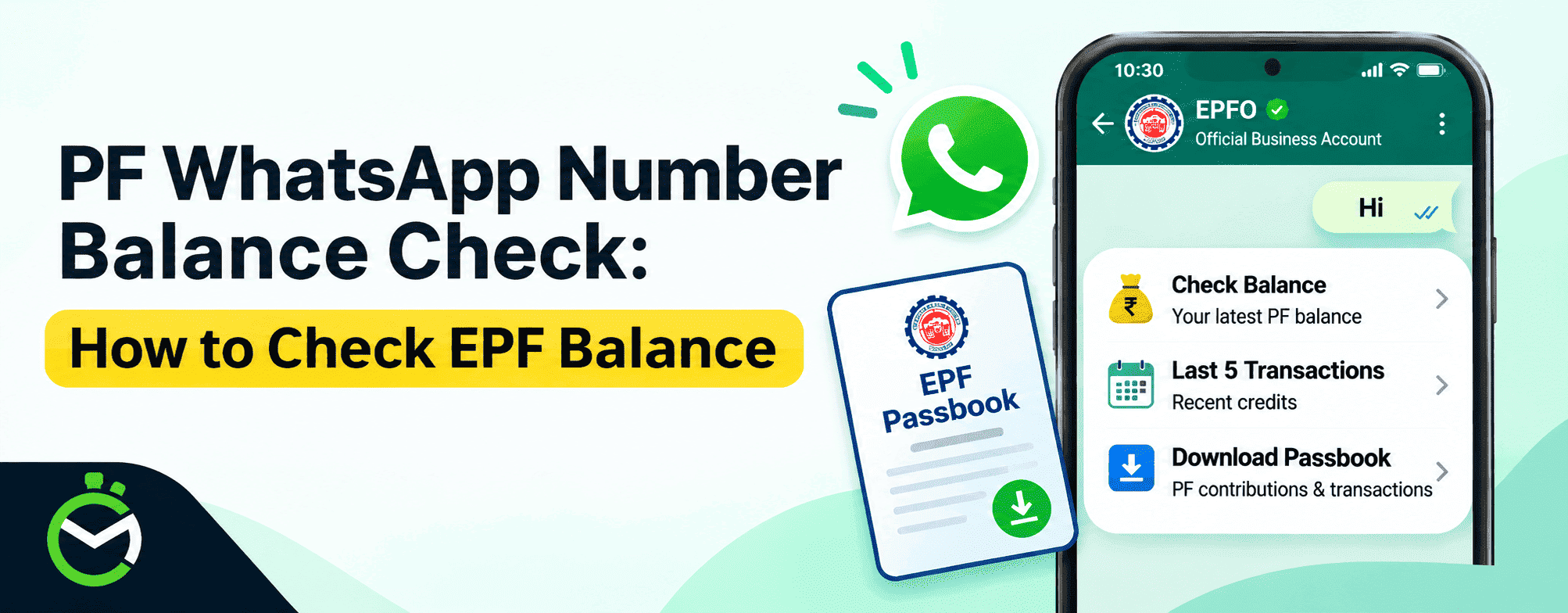
Quick Answer: To check your PF balance on WhatsApp, save the official EPFO number +91 8796441800 and send “Hi.” Choose your language, then select Check Balance. You can also view your last 5 transactions and download your passbook without logging in to the EPFO member portal.
How to check PF balance on WhatsApp:
- Save +91 8796441800 (official EPFO WhatsApp number)
- Open the chat and send “Hi”.
- Choose your preferred language when the bot asks.
- Select Check Balance from the menu.
- Pick Last 5 Transactions or Download Passbook if you need more.
Keeping track of your Provident Fund (PF) balance is important to understand how much you and your employer have contributed towards your retirement savings. To make this information easier to access, EPFO has introduced a WhatsApp-based service that allows eligible members to check essential PF account details through a simple chat.
Instead of visiting the member portal for routine enquiries, you can use WhatsApp to check your available PF balance, review your five latest transactions and access your passbook. This makes it easier to monitor your PF account using your mobile phone. Here is how the service works and how you can use its different options.
What Is the EPFO WhatsApp Service?
The EPFO WhatsApp service allows EPF members to access essential PF account information through WhatsApp without logging into the EPFO member portal. It simplifies routine PF enquiries by offering the following options:
- Check Balance: View the latest available balance in your EPF account.
- Last 5 Transactions: Check your five most recent PF transactions and contribution credits.
- Download Passbook: Access your PF passbook to review employee and employer contributions and transaction records.
This facility makes it easier for employees to track their PF account activity through a familiar messaging platform.
EPFO WhatsApp Number: Step-by-Step Process to Check Your PF Balance
EPFO members can use the official WhatsApp facility to make PF balance enquiries directly from their mobile phones. You do not need to open the member portal to start the process. Follow these steps to check your PF balance.
Step 1: Save the Official EPFO WhatsApp Number
Add a new contact with the official EPFO WhatsApp number +91 87964 41800 and save it on your phone. You can also search for the number directly in WhatsApp to start the chat.
Step 2: Start a WhatsApp Conversation
Open WhatsApp, find the EPFO contact and send a message such as 'Hi' to initiate the service.
Step 3: Select Your Preferred Language
Choose your preferred language from the options provided by the chatbot.
Step 4: Choose Check Balance
Once the service menu appears, select the Check Balance option to proceed. You can also choose Last 5 Transactions or Download Passbook, depending on your requirement.
Step 5: Complete the Required Verification
Follow the chatbot's instructions and complete any identity verification requested to access your PF account details.
Step 6: View Your PF Balance
After successful verification, follow the on-screen instructions to view your latest available PF balance directly in the WhatsApp chat.
How to View the Last 5 PF Transactions on WhatsApp?
Checking your recent PF transactions helps you understand whether contributions and other account entries have been recorded. With EPFO's WhatsApp facility, you can access your five latest transactions without navigating through your complete passbook.
Follow these steps:
- Open WhatsApp and start a conversation with the official EPFO number, +91 87964 41800.
- Send "Hi" to activate the chatbot.
- Select your preferred language, if prompted.
- Navigate to the available service menu.
- Choose the Last 5 Transactions option.
- Enter the OTP sent to your registered mobile number.
- Once you get the verification confirmation, your five latest entries appear in the chat.
This option can help you keep track of recent PF account activity and check whether employer contributions have appeared in your account.
How to Download EPF Passbook Through WhatsApp?
Your EPF passbook provides a record of contributions made by you and your employer, along with other account entries. EPFO's WhatsApp facility provides a convenient way to access the passbook without starting with a separate member portal login.
Follow these steps to access your passbook:
- Open WhatsApp on your mobile phone.
- Search for the official EPFO WhatsApp contact, +91 87964 41800.
- Send "Hi" to begin the conversation.
- Select your preferred language, if prompted.
- Find and choose the Download Passbook option from the service menu.
- Follow the chatbot's instructions and complete any required verification.
- Once your request is processed, use the provided instructions to access or download your available passbook.
Can You Check PF Balance Through WhatsApp Without a UAN?
Yes. You can check your PF balance on WhatsApp without logging in to the EPFO portal or entering your UAN password. Your UAN must be active and linked to the mobile number you message from.
What Is the Official PF WhatsApp Number?
The official EPFO WhatsApp number for checking PF balance is +91 87964 41800. Send a 'Hi' message to start a conversation with EPFO's chatbot. You can then check your PF balance, view the last five transactions and access your passbook without logging in to the EPFO member portal.
What Are the Requirements to Check PF Balance Through WhatsApp?
To check your PF balance through WhatsApp, make sure you have the following:
- An active WhatsApp account.
- A mobile number linked to your UAN.
- An active EPF account.
- Your UAN details, if required for verification.
- A stable internet connection.
- Access to the official EPFO WhatsApp number.
Note: Follow the verification instructions provided in the official WhatsApp chat to access your PF details.
EPFO WhatsApp Service vs Other PF Balance Check Methods
EPFO members can check their PF balance through WhatsApp, the EPFO Member Portal, the UMANG app, SMS or missed call services. Each method offers different features. While WhatsApp is useful for quick balance checks and recent transactions, the EPFO portal is better for accessing detailed contribution records. Here's a comparison of the available methods.
| Method | Login needed | Best for |
| WhatsApp (+91 8796441800) | No portal login. Chat from your registered mobile number | Quick balance, last 5 transactions and passbook download in one chat |
| Missed call (9966044425) | No. Call from your registered mobile number | Basic phones, no internet, a fast balance check |
| SMS (7738299899) | No login, but UAN details go in the message | Offline checks, or when WhatsApp and data are unavailable |
| UMANG app | Yes. Mobile OTP login | Passbook, claim tracking and other government services in one app |
| EPFO member portal | Yes. UAN, password and captcha | Full passbook, claim filing, KYC updates and downloads |
Is It Safe? Stay Alert to Fake Accounts
Anything involving provident fund money attracts scammers, so keep these rules in mind:
- Use only +91 8796441800, and check that the chat shows EPFO’s official verified profile.
- Never share your UAN password, bank PIN or card details in chat. EPFO’s service doesn’t need them.
- Share an OTP only if you started the chat yourself and the request fits the steps above. Never give an OTP to someone who contacts you first.
- Don’t tap unknown links sent to you, even if they mention PF.
- Report suspicious accounts using WhatsApp’s report option and EPFO’s grievance channels.
Common Problems While Checking PF Balance on WhatsApp
You may occasionally face difficulties while using the EPFO WhatsApp service. These could be related to network connectivity, verification or temporary technical issues.
Here are some common problems and the steps you can take.
| Common problem | What you can do |
| No response from EPFO | Check your internet connection and try sending Hi again. |
| OTP not received | Check whether your registered mobile number is active and can receive messages. Retry the verification if available. |
| PF balance not displayed | Follow the chatbot instructions again or try the enquiry later. |
| Unable to access the passbook | Retry the request or use the official EPFO passbook facility. |
| Incorrect WhatsApp contact | Verify the number through EPFO's official communication before proceeding. |
| Chatbot showing an error | Wait for some time and retry. You can use the member portal or UMANG app as an alternative. |
Frequently Asked Questions
1. What is the WhatsApp number for checking PF balance?
The official EPFO WhatsApp number is +91 87964 41800. Send a message such as Hi to start the conversation and select the Check Balance option from the available menu.
2. How can I check my PF balance through WhatsApp?
Save the official EPFO WhatsApp number, +91 87964 41800, and send Hi. Select your preferred language, choose Check Balance and complete the verification requested by the chatbot to access your PF details.
3. Can I download my EPF passbook through WhatsApp?
Yes. EPFO's WhatsApp service provides a Download Passbook option. Select it from the chatbot menu and follow the instructions to access your available PF passbook.
4. Can I check my previous employer's PF contributions through WhatsApp?
The WhatsApp service provides access to supported PF account information. For a detailed review of contributions across previous employment periods and different Member IDs, use the EPFO passbook facility.
Disclaimer: This page includes information compiled from many sources and is provided for informational purposes only. Given that this type of data may change over time, we cannot guarantee the accuracy of the information supplied or included within it. It is anticipated that the user will confirm with the relevant source before making any choices or taking any action.